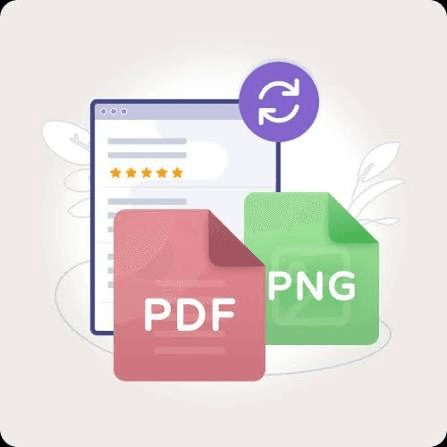
File Converter Pro
Convert images, PDFs, and documents in one click
A complete offline file conversion and document utility that makes everyday file tasks fast and simple. Convert images between JPG, PNG, and WebP, split or merge PDF documents, compress photos, and extract plain text from Word files using an easy drag-and-drop workflow. Everything runs directly on your computer, so your files remain private and there is no need to upload sensitive documents to online services. With no file size limits, no waiting, and no internet connection required, the app is ideal for individuals and professionals who regularly work with documents and images.
Features
one-time payment
Digital product · No refunds after download
Available for
System Requirements
RAM
8 GB minimum (16 GB recommended)
Storage
10 GB free disk space
CPU
Intel i5 / AMD Ryzen 5 or newer
GPU
Optional — accelerates AI inference
Network
Internet for download only
Ready to get started?
Get File Converter Pro today. One payment, yours forever.
Digital product · No refunds after download